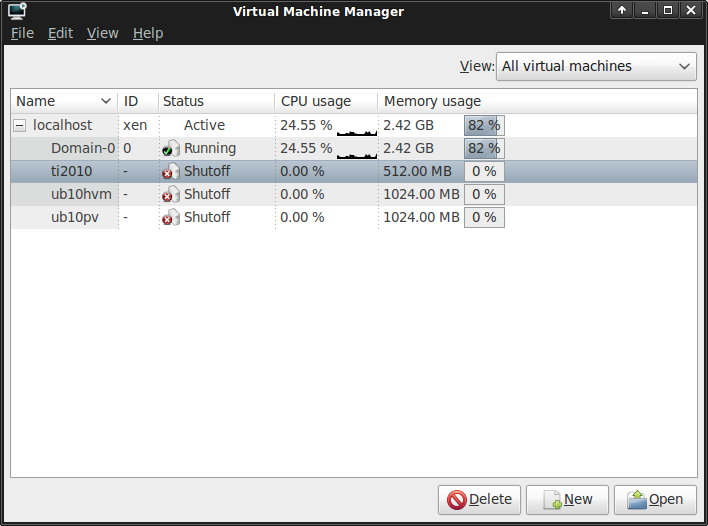
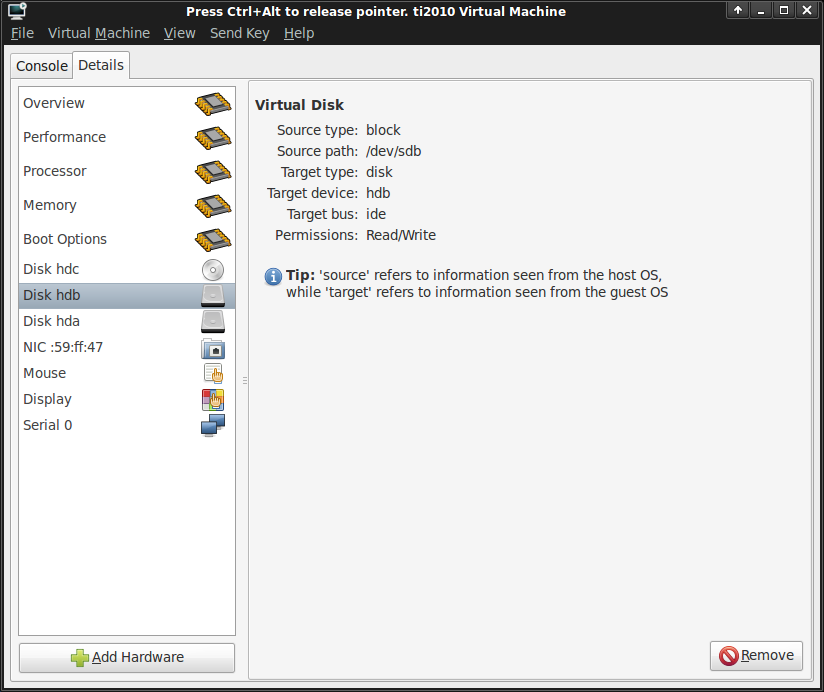
Virtual machines of xen can be created with xen-builtin command xm create which uses a config file in /etc/xen. There is a second command to create xen virtual machines: xm new
Virtual machines created with xm new are permanently added to xen (virtual machines created with xm create get removed from xen when the virtual machine is shut down). – Some xen monitoring tools, like xen orchestra, rely on permanently added virtual machines.
But xm new is broken in debian (and ubuntu) because xm uses an outdated xml python library. And the corresponding debian bug report is closed with status ‘won’t fix’. Debian maintainers support only xen create.
Using virsh as workaround for xen new:
- xm create myvm (from file /etc/xen/myvm)
- virsh dumpxml myvm > /etc/xen/myvm.xml
- xm shutdown myvm
- virsh define /etc/xen/myvm.xml
Debian sid has the source package of libvirt (currently 0.8.1-1), but package 0.8.1-1 does not work with xen 4.0. However the build service of opensuse factory includes as well libvirt-0.8.1 and they have xen 4.0 patches included.
To get a libvirt package for ubuntu 10.04 which is compatible with xen 4.0 the patches of opensuse had to be combined with the debian sid package (patch: debian.diff; local copy of debian sources: libvirt_0.8.1.orig.tar.gz, libvirt_0.8.1-1.debian.tar.gz, libvirt_0.8.1-1.dsc).
Build process:
- download sources and patch into new directory and open terminal in this directory
- tar -xzf libvirt_0.8.1.orig.tar.gz
- cd libvirt-0.8.1
- tar -xzf ../libvirt_0.8.1-1.debian.tar.gz
- patch -p0 < ../debian.diff
- ./debian/rules binary
And to install the new packages (ubuntu amd64 packages: libvirt-bin_0.8.1-1_amd64.deb, libvirt0_0.8.1-1_amd64.deb, libvirt-dev_0.8.1-1_amd64.deb, libvirt-doc_0.8.1-1_amd64.deb, python-libvirt_0.8.1-1_amd64.deb, libvirt0-dbg_0.8.1-1_amd64.deb):
- cd ..
- dpkg -i libvirt0_0.8.1-1_amd64.deb libvirt-bin_0.8.1-1_amd64.deb python-libvirt_0.8.1-1_amd64.deb
The resulting virsh command seems to work with xen 4.0 (tested with subcommands dumpxml and define). – You should use Package/Force version in synaptic package manager to protect these manually installed packages.